Let’s be honest for a second.
You didn’t start freelancing or running a business just to chase payments, right?
And yet… there it is. That awkward follow-up email. That “just checking in” message you’ve rewritten three times. That client who forgot—again.
Here’s the thing: getting paid faster isn’t just about your work quality. It’s about how you present your invoice.
A clean, professional, and strategically designed invoice can quietly do what endless reminders cannot.
Why Your Invoice Might Be Slowing You Down
Most people treat invoices like receipts—just a record.
But they’re not. They’re communication tools.
A weak invoice says:
“Pay whenever.”
A strong invoice says:
“This is structured, professional, and due now.”
See the difference?
A lot of freelancers unknowingly use templates that are:
- Too basic
- Missing key details
- Visually cluttered
- Or worse… inconsistent
And clients? They hesitate. They delay. Sometimes they ignore.
So, What Makes an Invoice “Trustworthy”?
You know what? Trust isn’t built with design alone—it’s clarity, structure, and subtle psychology.
Here’s what a solid invoice template should include:
- Clear business identity (logo, name, contact)
- Invoice number (this matters more than you think)
- Payment terms (no vague language)
- Itemized breakdown (no confusion)
- Payment methods (easy = faster payments)
- Due date (visible, not hidden)
And yes—design matters. Not flashy, just clean and confident.
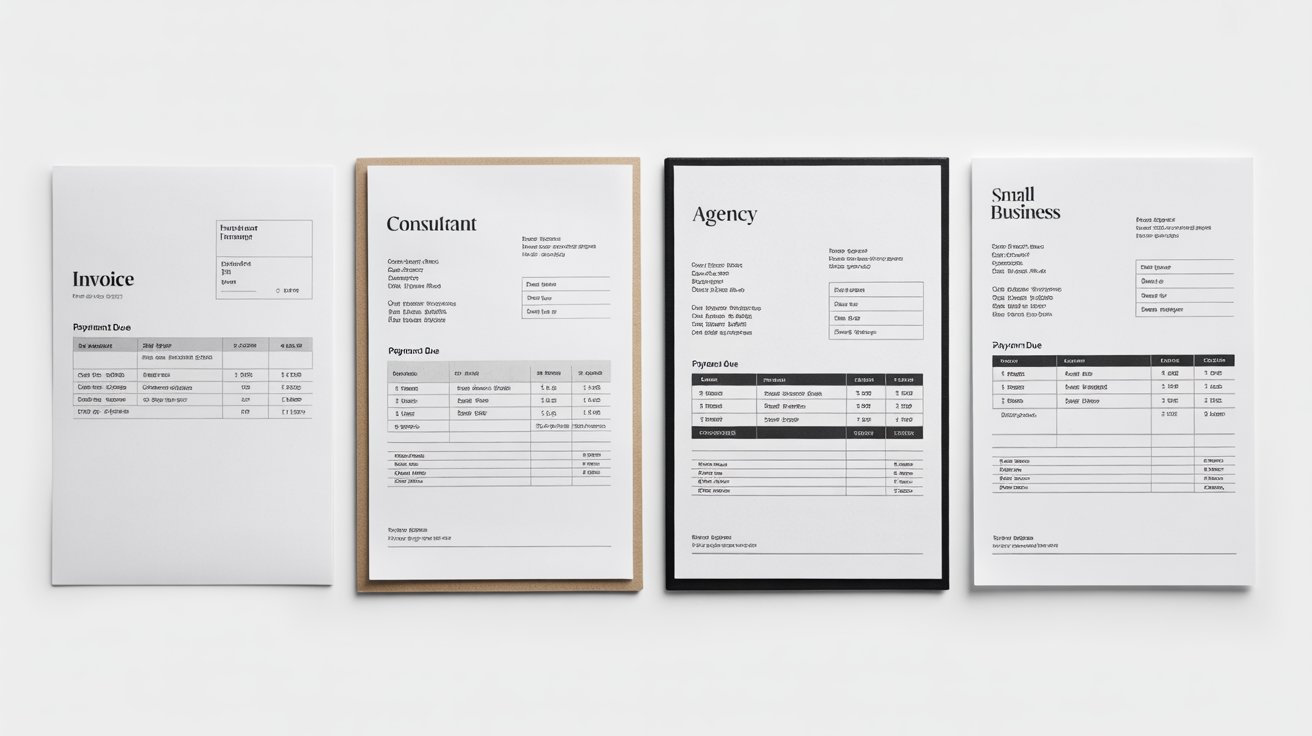
Different Invoice Templates (Which One Fits You?)
Not every business needs the same format. Let’s break it down:
| Template Type | Best For | Key Benefit |
|---|---|---|
| Simple Invoice | Freelancers, beginners | Easy and quick to use |
| Service Invoice | Consultants, agencies | Clear service breakdown |
| Product Invoice | E-commerce, retail | Tracks quantity & pricing |
| Recurring Invoice | Subscription-based businesses | Saves time on repeat billing |
| Pro Forma Invoice | Advance billing | Sets expectations before work |
Honestly, picking the wrong type can slow everything down—even if your work is excellent.
Let’s Talk Features (Because Details Matter)
Not all free templates are created equal. Some look good but lack functionality.
Here’s a quick comparison:
| Feature | Basic Templates | Advanced Free Tools | Your Workflow Impact |
|---|---|---|---|
| Auto-calculation | ❌ | ✔️ | Reduces errors |
| Branding customization | ❌ | ✔️ | Builds trust |
| Payment integration | ❌ | ✔️ | Faster transactions |
| Download formats (PDF) | ✔️ | ✔️ | Standard requirement |
| Invoice tracking | ❌ | ✔️ | Know who paid (and who didn’t) |
Now pause for a second.
If your current template is missing even two of these… you’re probably losing time—and money.
Here’s the Subtle Truth About Getting Paid Faster
It’s not aggressive follow-ups.
It’s not sending reminders every 24 hours.
It’s removing friction.
When a client opens your invoice and everything is:
- Clear
- Professional
- Easy to act on
They don’t delay. They just… pay.
“Simplicity is the ultimate sophistication.” — Leonardo da Vinci
And honestly, that applies perfectly to invoicing.
A Small Mistake That Costs Big
Let me explain something many people overlook.
If your invoice:
- Looks inconsistent
- Has missing details
- Or feels “homemade”
Clients subconsciously treat it as lower priority.
Sounds harsh—but it’s real.
Think about it: would you prioritize a polished bill from a company… or a messy one?
Exactly.
Want to Fix This in Minutes? (Yes, Really)
Instead of editing Word files or juggling spreadsheets, you can use a smarter approach.
A tool like Invoice Generator Pro helps you:
- Create clean, branded invoices instantly
- Avoid calculation mistakes
- Add payment details effortlessly
- Download and send within seconds
And here’s where it gets interesting…
👉 The faster you create and send invoices, the faster you get paid.
There’s a direct link. No exaggeration.
Psychology Behind Faster Payments (It’s Not Magic)
Let’s break it down quickly:
- Clarity reduces hesitation
- Deadlines create urgency
- Professional design builds trust
- Ease of payment removes excuses
It’s not manipulation—it’s good communication.
“People don’t delay what feels easy and certain.”
So if your invoice feels complicated… guess what happens?
A Quick Reality Check
You might think:
“My clients are good. They’ll pay anyway.”
Sure. Some will.
But the goal isn’t eventual payment.
It’s faster, smoother, predictable payment.
That’s how you stabilize cash flow. That’s how you grow.
Key Takeaways
- A strong invoice speeds up payments without extra effort
- Design and clarity influence client behavior more than you think
- Choosing the right template matters for your business type
- Small improvements (like payment options) make a big difference
- Tools like Invoice Generator Pro simplify everything and reduce delays
Before You Go… One Honest Question
How much time have you spent chasing payments this month?
Now imagine cutting that in half.
Or more.
That’s not some big system overhaul—it starts with something simple:
👉 Using the right invoice template, built the right way
If you’re still manually editing invoices or using outdated formats…
it might be time to switch.
Try a smarter, faster workflow with Invoice Generator Pro and see the difference yourself.
No complexity. No friction. Just invoices that actually get paid.
And hey—once you experience faster payments, you won’t want to go back.
FAQs (Naturally Answered)
What’s the best free invoice template for freelancers PDF download?
One that includes payment terms, project scope, and branding. PDF format ensures consistency.
Can I create an invoice online free without registration?
Yes—and you should. It’s faster and avoids unnecessary friction.
What’s the best invoice format for freelance designers?
Milestone-based templates with revision tracking.
Is Excel good for invoicing?
For beginners, yes. Long-term? Switch to a free invoicing tool for small businesses.

Akbar Ali is the Founder of InvoiceGeneratorPro.io, a platform dedicated to helping freelancers, small businesses, startups, agencies, and entrepreneurs create professional invoices quickly and efficiently. With years of experience in digital business, SEO content strategy, and online entrepreneurship, he focuses on developing practical tools and educational resources that simplify invoicing, payment management, and financial documentation.As a business writer and digital entrepreneur, Akbar creates in-depth guides, industry insights, and actionable content covering invoicing, freelancing, accounting basics, business finance, taxation, productivity, and payment solutions. His goal is to make complex financial processes easy to understand while helping professionals save time and present their businesses more professionally.Through InvoiceGeneratorPro.io, he continues to build reliable, user-friendly solutions that empower businesses worldwide to streamline their billing workflows and improve financial organization.
Akbar Ali