09 Apr
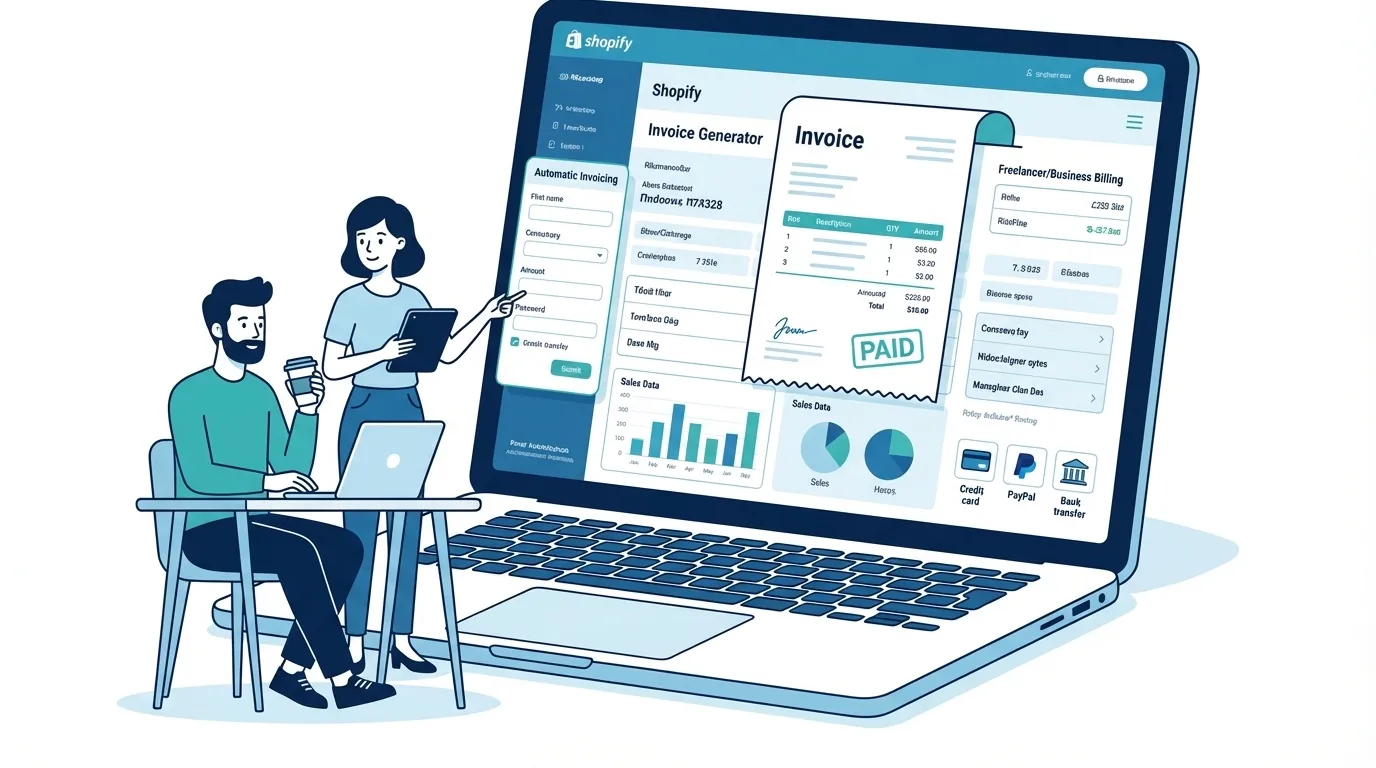
Running a Shopify store is fairly straightforward—products, checkout, payments, done. Shopify handles a lot behind the scenes. But here’s something many sellers notice sooner or later: proper invoices aren’t always as flexible as they expect.
That matters more than people think.
A Shopify store owner might sell digital products online while also offering freelance services on the side. Maybe you run a small design agency, or perhaps you sell wholesale to a few local retailers. Suddenly the question pops up:
How do I create professional invoices for clients who didn’t buy directly through my store?
Shopify does offer some invoice-like options. Still, those tools weren’t built with freelancers or hybrid businesses in mind. That’s why many sellers end up searching for a Shopify invoice generator that works outside the platform.
Let me explain how that works—and why combining Shopify with a standalone shopify invoice generator tool often makes the most practical setup for small businesses.
What Exactly Is a Shopify Invoice Generator?
A Shopify invoice generator is a tool that creates formal invoices for Shopify transactions or external clients. Some tools connect directly to Shopify orders, while others simply let you generate invoices in your browser.
Think of it this way:
Shopify is great at processing orders.
An invoice generator focuses on documentation and billing clarity.
They overlap slightly, but they serve different roles.
A proper invoice typically includes:
- Seller business details
- Client information
- Itemized products or services
- Tax breakdowns
- Payment terms
- Invoice numbers
- Currency selection
Shopify’s system mainly produces order confirmations, which are technically receipts. That’s fine for retail customers—but not always ideal for accounting, wholesale deals, or service contracts.
This gap is exactly why Shopify invoice maker tools exist.
Shopify’s Built-In Invoice Options
Shopify does provide ways to generate invoice-style documents. They’re just… limited.
Most stores rely on three main methods.
1. Shopify Order Confirmation Emails
Whenever someone buys a product, Shopify automatically sends an email receipt. This email includes order details, product names, and total price.
Convenient? Yes.
Professional invoice? Not really.
These receipts usually lack:
- full invoice formatting
- detailed tax structure
- customized branding
For casual sales, it’s fine. For business clients, it can feel incomplete.
2. Shopify Order Printer
Shopify offers a free app called Order Printer that generates printable documents from orders.
You can produce:
- invoices
- packing slips
- receipts
But there’s a catch. Actually, a few.
The templates are fairly rigid unless you edit the Liquid code. Most small business owners don’t want to spend an afternoon modifying HTML just to adjust an invoice layout.
3. Paid Shopify Invoice Apps
Several apps in the Shopify marketplace provide enhanced invoicing. Some are quite powerful.
They can automatically generate invoices for every order.
But they also come with typical app trade-offs:
- monthly subscriptions
- Shopify store integration requirements
- limited use for non-Shopify clients
Which leads to the next issue.
Where Shopify’s Native Invoicing Falls Short
Shopify’s invoice tools work best when everything happens inside the store.
Once business spills outside the platform, the cracks start showing.
Let’s look at the common limitations.
No Custom PDF Branding
Many Shopify templates don’t fully support branded invoice designs.
A business may want:
- logo placement
- brand colors
- custom headers
- signature sections
That level of polish usually requires editing template code or using paid apps.
Limited Invoice Fields
Invoices sometimes need details that Shopify receipts don’t include:
- purchase order numbers
- service descriptions
- hourly billing
- contract notes
Freelancers know this problem well.
Currency Restrictions
International sellers often need flexible currency settings. Some invoice systems inside Shopify make it harder to change currency per invoice.
A shopify invoice generator change currency feature is critical if you work with global clients.
No Easy Invoices for Off-Store Clients
Here’s the biggest issue.
Shopify invoices only work well for Shopify orders.
But many store owners also:
- do consulting
- sell wholesale
- run marketing services
- design websites
Those clients still need invoices—yet they never touched your Shopify checkout.
So what now?
Standalone Shopify Invoice Generator Tools
This is where browser-based tools step in.
A shopify online invoice generator works independently from the Shopify platform. You simply open the tool in your browser, fill in the details, and generate the invoice instantly.
No store connection required.
These tools are surprisingly popular among:
- freelancers
- small agencies
- dropshippers
- side-hustlers
Why? Because they’re fast.
Many modern tools offer:
- shopify invoice generator free versions
- PDF downloads
- invoice numbers
- branding customization
- email delivery
Some even use AI features to simplify the process.
Yes—there are now invoice generator with AI tools that automatically fill invoice descriptions based on services or products.
That’s handy when you create dozens of invoices each month.
How Invoice Generator Pro Fills the Gap
Here’s where a browser-based solution like Invoice Generator Pro becomes useful.
Instead of replacing Shopify, it complements it.
Imagine this workflow.
A Shopify store handles online sales.
But the owner also works with freelance clients.
Those freelance clients need invoices that look professional and detailed.
A shopify invoice generator without login allows the seller to create invoices quickly without connecting accounts or installing apps.
That’s the appeal.
With a tool like Invoice Generator Pro, you can:
- create branded PDF invoices
- add service descriptions
- switch currency easily
- send invoices via email
- generate invoices for Shopify or non-Shopify clients
For example, a seller could create an invoice for:
- a wholesale Shopify order
- a freelance consulting project
- a custom product request
All within seconds.
And because the invoice exists outside Shopify, it works for any business scenario.
Shopify Built-In vs Standalone Invoice Generators
Let’s compare them clearly.
Shopify Built-In Invoices
Pros:
- automatic for store orders
- integrated with Shopify payments
- easy for basic receipts
Cons:
- limited customization
- difficult template editing
- not ideal for freelance billing
- tied strictly to Shopify orders
Standalone Invoice Generators
Pros:
- flexible invoice creation
- custom branding options
- works for any client
- faster for manual invoices
- easy currency changes
Cons:
- requires manual entry
- not tied directly to store analytics
For many small businesses, the smart move is using both systems together.
When Shopify Sellers Should Use an External Invoice Generator
Not every store needs a standalone tool.
But certain situations almost demand it.
For example:
Freelancers who run Shopify stores
You sell products but also charge clients for services.
Wholesale sellers
Retail partners often require formal invoices.
Consultants or agencies
You may bill clients monthly while running a Shopify storefront.
International sellers
Flexible currency invoices simplify cross-border payments.
When those situations appear, a shopify invoice generator tool becomes a simple solution.
How to Create an Invoice Using a Shopify Online Invoice Generator
The process is surprisingly simple.
Most browser tools follow the same steps.
- Enter your business details: Add company name, address, and contact information.
- Add client information: Name, email, and billing address.
- List products or services: Include price, quantity, and description.
- Adjust currency and taxes: Many tools allow quick currency switching.
- Generate the invoice PDF
- Send via email
A shopify invoice generator email feature makes delivery easy. The invoice can go straight to the client’s inbox.
Some tools also store invoice numbers automatically, which helps with bookkeeping.
Features Worth Looking For in a Shopify Invoice Generator Tool
Not every invoice tool is built the same.
A good generator should include a few key features.
- Custom branding
- PDF export
- invoice numbering
- currency switching
- email sending
- tax configuration
If you invoice regularly, look for automation options too.
An invoice generator with AI can help generate descriptions or suggest billing formats, saving time during busy weeks.
A Quick Reality Check for Small Business Owners
Here’s something many entrepreneurs realize late.
Your store platform shouldn’t control every business process.
Shopify handles sales beautifully. But accounting, invoicing, and client billing often require separate tools.
And that’s normal.
Even large companies run different systems for:
- sales
- billing
- accounting
Small businesses simply replicate that idea with lighter tools.
A shopify invoice generator free solution fills that gap without adding heavy software or expensive subscriptions.
Final Thoughts
Shopify excels at e-commerce. There’s no argument there.
But invoicing? That’s not its strongest feature—especially when business extends beyond the storefront.
Shopify’s built-in tools work fine for basic receipts. Once you start handling freelance clients, wholesale deals, or consulting work, things get more complicated.
That’s when a shopify online invoice generator becomes practical.
A browser-based solution like Invoice Generator Pro gives sellers something Shopify alone can’t easily provide:
fast, flexible, professional invoices—whether the sale happened in your store or somewhere else entirely.
And honestly, for freelancers and small business owners juggling multiple income streams, that flexibility matters more than people expect.

Akbar Ali is the Founder of InvoiceGeneratorPro.io, a platform dedicated to helping freelancers, small businesses, startups, agencies, and entrepreneurs create professional invoices quickly and efficiently. With years of experience in digital business, SEO content strategy, and online entrepreneurship, he focuses on developing practical tools and educational resources that simplify invoicing, payment management, and financial documentation.As a business writer and digital entrepreneur, Akbar creates in-depth guides, industry insights, and actionable content covering invoicing, freelancing, accounting basics, business finance, taxation, productivity, and payment solutions. His goal is to make complex financial processes easy to understand while helping professionals save time and present their businesses more professionally.Through InvoiceGeneratorPro.io, he continues to build reliable, user-friendly solutions that empower businesses worldwide to streamline their billing workflows and improve financial organization.
Akbar Ali