
Freelancing looks flexible from the outside. Work when you want. Choose your clients. Be your own boss.
But once you’re in it? It’s a different story.
Deadlines pile up. Payments get delayed. You forgot to send invoices. And suddenly, you’re not just a freelancer—you’re a project manager, accountant, and support agent all at once.
Here’s the thing most people won’t tell you:
Freelancing isn’t hard because of the work. It’s hard because of everything around the work.
That’s where the right tools step in—not as a luxury, but as your survival system.
🧾 Best Invoicing Tools for Freelancers
Let’s start where it actually matters—getting paid.
You can do amazing work, but if your invoicing process is messy or delayed, your cash flow suffers. Simple.
There are dozens of invoicing tools out there, but most are either:
- Too complex
- Too expensive
- Or just overkill
Honestly, freelancers don’t need complicated dashboards. They need speed and clarity.
👉 That’s why tools like https://invoicegeneratorpro.io/ stand out.
You can:
- Create clean, professional invoices in minutes
- Add your branding
- Send instantly without friction
“A fast invoice is often the difference between getting paid in 2 days or 2 weeks.”
💡 Quick thought:
If you’ve ever said “I’ll send the invoice later”—that delay is already costing you money.
Fix that one habit, and your income stabilizes faster than you think.
💻 Best Tools for Freelance Web Developers
Web developers operate in a different environment. You’re not just managing clients—you’re managing code, deployments, bugs, and deadlines.
Your tool stack needs to reflect that.
Core tools:
- VS Code (lightweight, powerful editor)
- GitHub (version control)
- Postman (API testing)
- Netlify (deployment)
But here’s where many developers mess up…
They focus only on development tools and ignore business tools.
No invoicing system. No tracking. No workflow.
That’s how great developers stay underpaid.
📱 Best App for Freelancers
If you had to pick just one category that holds everything together, it’s your daily app.
Something that keeps your work, notes, clients, and tasks in one place.
Top choices:
- Notion
- ClickUp
- Trello
These aren’t just apps. They’re your operating system.
You know what? When freelancers say they feel “overwhelmed,” it’s rarely because of too much work.
It’s because everything is scattered.
🇮🇳 Best App for Freelancers in India
Let’s be real—location matters.
Freelancers in India deal with:
- Payment gateway issues
- Currency conversions
- Platform restrictions
That’s why region-specific tools help.
Popular apps:
- Razorpay (payments)
- Paytm for Business
- Instamojo
Pair these with a clean invoicing tool, and you remove 80% of payment friction.
🧰 Best Tools for Self-Employed Professionals
Being self-employed is different from freelancing casually.
You’re running a business.
That means:
- Tracking income
- Managing expenses
- Handling clients
- Planning taxes
Must-have tools:
- Accounting software (Wave, QuickBooks)
- Invoicing tools (simple + fast)
- Payment gateways
Here’s the contradiction…
Most people think more tools = better system.
Not true.
Fewer, well-used tools beat a cluttered stack every time.
⏱️ Best App for Freelancers Tracking
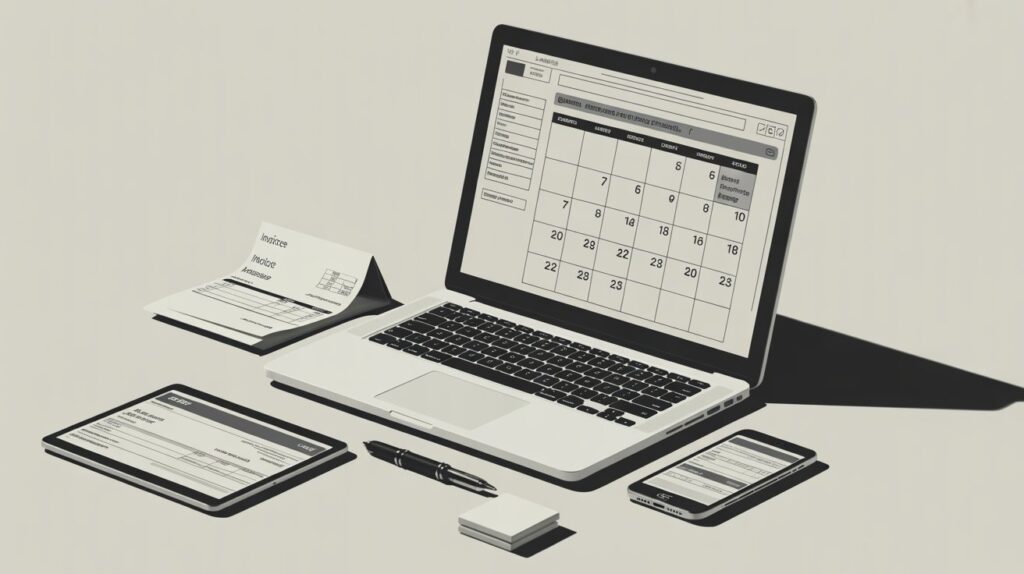
Time tracking feels boring. Until you realize it directly affects how much you earn.
If you don’t track time:
- You undercharge
- You guess your rates
- You lose profitability
Top tracking apps:
- Toggl Track
- Clockify
- Harvest
These tools answer one critical question:
“Was this project actually worth it?”
🤖 Best AI Tools for Freelancers
AI isn’t optional anymore—it’s leverage.
The difference between an average freelancer and a high-earning one is often speed.
Powerful AI tools:
- ChatGPT (writing, coding, research)
- Grammarly (editing clarity)
- Midjourney (design work)
Use AI to:
- Draft proposals
- Speed up repetitive work
- Generate ideas
“AI won’t replace freelancers—but freelancers who use AI will replace those who don’t.”
🆓 Best Free Tools for Freelancers
Not everyone can invest upfront. That’s fine.
There are solid free tools that can run your business—at least in the beginning.
Free stack:
- Trello (task management)
- Clockify (time tracking)
- Invoice generators (simple billing)
But here’s the honest part…
Free tools are great for starting. Not for scaling.
At some point, you’ll need to upgrade—or you’ll hit limits.
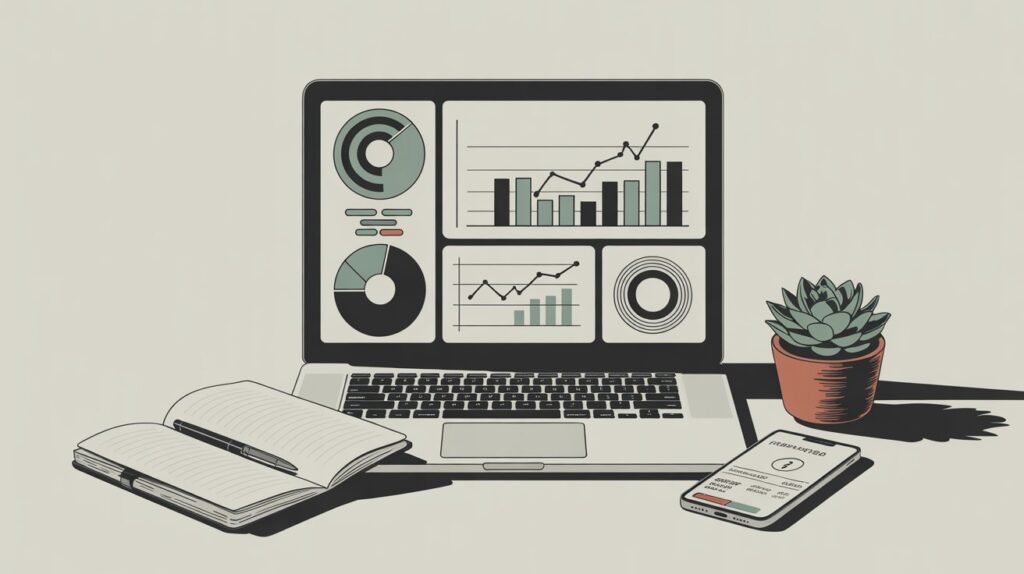
⚡ Best Productivity Tools for Freelancers
Productivity isn’t about working more. It’s about reducing friction.
Top tools:
- Notion (all-in-one workspace)
- ClickUp (advanced workflows)
- RescueTime (focus tracking)
Think of these tools like a well-organized desk.
Everything is where it should be. No chaos. No wasted time.
🔍 Best SEO Tools for Freelancers
If you want consistent clients, you need visibility.
SEO isn’t just for bloggers—it’s for freelancers too.
Top SEO tools:
- Ahrefs
- SEMrush
- Ubersuggest
These help you:
- Find keywords
- Analyze competitors
- Improve content
And honestly, if you’re ignoring SEO—you’re relying too much on platforms like Upwork.
That’s risky.
💰 Best Budgeting Tools for Freelancers
Freelancers don’t have fixed salaries.
Which means… income can swing wildly.
Best budgeting tools:
- YNAB (You Need A Budget)
- Mint
- Wave
These tools help you:
- Plan expenses
- Save during high-income months
- Stay stable during slow periods
Because earning money is one thing.
Keeping it? That’s the real skill.
📊 Tool Comparison Table (Free vs Paid)
| Category | Free Tools | Paid Tools |
|---|---|---|
| Productivity | Trello | ClickUp |
| Tracking | Clockify | Harvest |
| Invoicing | InvoiceGeneratorPro | FreshBooks |
| Payments | Payoneer | Stripe |
| AI | ChatGPT Free | Jasper |
🧰 Simple Freelancer Tool Stack (Recommended)
| Function | Tool |
|---|---|
| Task Management | Notion |
| Time Tracking | Toggl |
| Invoicing | InvoiceGeneratorPro |
| Payments | Wise |
| AI Support | ChatGPT |
| Budgeting | YNAB |
📌 Key Takeaways
- Tools don’t just help—they protect your income
- Time tracking improves pricing accuracy
- Fast invoicing leads to faster payments
- AI tools increase output without burnout
- Budgeting tools stabilize your finances
- The right stack is simple, not complicated
❓ FAQs
What is the best app for freelancers?
Notion, Toggl, and a reliable invoicing tool form a strong foundation.
What are the best free tools for freelancers?
Clockify, Trello, and free invoice generators are solid starting points.
How do freelancers get paid faster?
By sending clear invoices quickly and using reliable payment methods.
What is the best invoicing tool for freelancers?
Simple tools that allow quick creation and sending of invoices work best.
💡 Final Thought
You don’t need 20 tools.
You need a system that actually works.
And if there’s one place where most freelancers lose money, it’s invoicing.
⚡ Final CTA (Subtle but direct)
If your invoicing still feels like a task you delay…
Try simplifying it with something like https://invoicegeneratorpro.io/
Because honestly, getting paid faster isn’t about chasing clients.
It’s about removing friction.

Akbar Ali is the Founder of InvoiceGeneratorPro.io, a platform dedicated to helping freelancers, small businesses, startups, agencies, and entrepreneurs create professional invoices quickly and efficiently. With years of experience in digital business, SEO content strategy, and online entrepreneurship, he focuses on developing practical tools and educational resources that simplify invoicing, payment management, and financial documentation.As a business writer and digital entrepreneur, Akbar creates in-depth guides, industry insights, and actionable content covering invoicing, freelancing, accounting basics, business finance, taxation, productivity, and payment solutions. His goal is to make complex financial processes easy to understand while helping professionals save time and present their businesses more professionally.Through InvoiceGeneratorPro.io, he continues to build reliable, user-friendly solutions that empower businesses worldwide to streamline their billing workflows and improve financial organization.
Akbar Ali