
Let me be upfront about something. I am not a naturally organized person. My desktop looks like a filing cabinet got caught in a tornado, and for the longest time, my invoicing system was a Google Doc I’d copy-paste and pray the client didn’t notice the wrong date from three months ago. Sound familiar?
Then a late payment, a big one, pushed me over the edge. I needed real free invoicing software for Mac, and I needed it without falling into a subscription trap. So I spent two weeks testing six different free invoice apps on my MacBook Pro, and honestly, some of what I found surprised me. A couple of tools genuinely impressed me. Others made me question who approved them for release.
Here’s everything that happened.
Why free invoice software on Mac is harder to find than you’d think
You’d assume it’s simple. Search “free invoice app macOS,” grab the top result, done. But there’s a catch — and it’s a sneaky one. Most tools advertise “free” on the homepage, then wall off the features you actually need behind a paid plan. PDF export? Premium. Client management? Pro tier. Sending more than three invoices a month? Please upgrade.
That bait-and-switch gets old fast. So my testing criteria were firm: completely free, Mac-compatible (preferably native macOS or a solid web app that runs beautifully in Safari), PDF export included, and basic payment tracking. That’s it. Not a lot to ask, right?
Let me walk you through what I found.
App 1: Wave Accounting — powerful, but overkill for solo freelancers
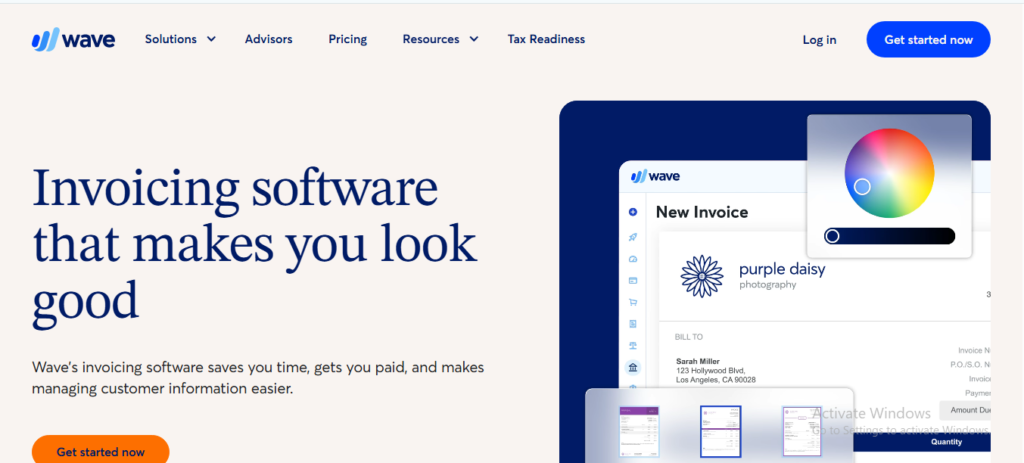
Wave is genuinely impressive as free billing software for Mac. It’s cloud-based, so it works across devices, and the invoicing module is solid — custom invoice templates, automatic payment reminders, multi-currency support. If you’re a small business owner managing expenses and invoices, Wave is hard to ignore.
Here’s the thing, though. It felt like showing up to a coffee meeting with a full boardroom presentation. The interface is packed with accounting features — payroll, bank reconciliation, chart of accounts — that a solo consultant or freelance writer doesn’t need and, frankly, finds confusing. The learning curve isn’t steep, but it’s there. And Wave recently started charging for payment processing, which chips away at that “free” promise.
Verdict: Great for small businesses. Overkill if you just need to send clean, professional invoices fast.
App 2: Invoice Ninja — open source and surprisingly capable
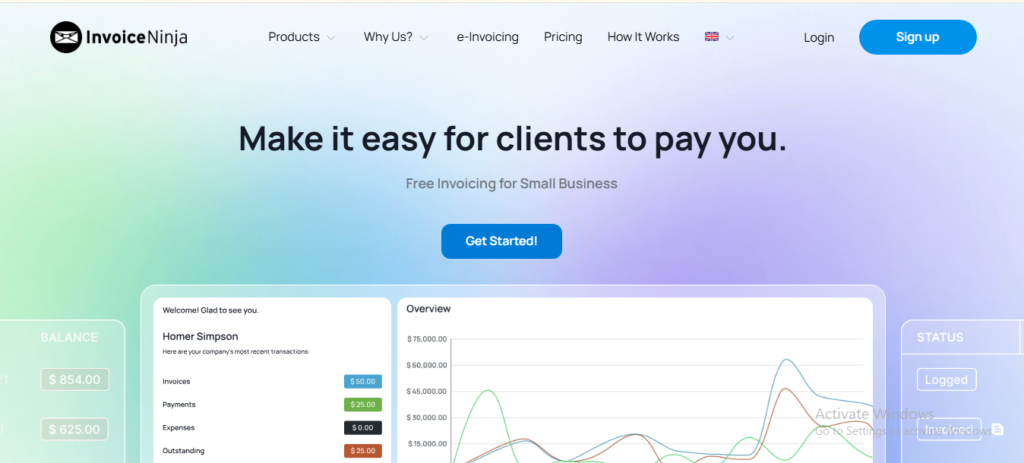
I had high hopes for Invoice Ninja going in. It’s free, open-source invoice software for Mac (browser-based), and the self-hosted version gives you genuine control. The free cloud plan supports up to 20 clients, which covers most freelancers comfortably.
The invoice templates are customizable, there’s basic time tracking built in, and the quote-to-invoice workflow is genuinely smooth. You can create an estimate, get client approval, and convert it directly — no copy-pasting, no reformatting. That alone saved me probably 20 minutes per project.
The downside? The UI looks like it was designed in 2015 and has never been touched since. Functional, yes. Beautiful, no. And if you need more than 20 clients, you’re looking at a paid plan. Still, for invoicing software for contractors on Mac, this one deserves a serious look.
App 3: Zoho Invoice — free, genuinely free (with a catch)
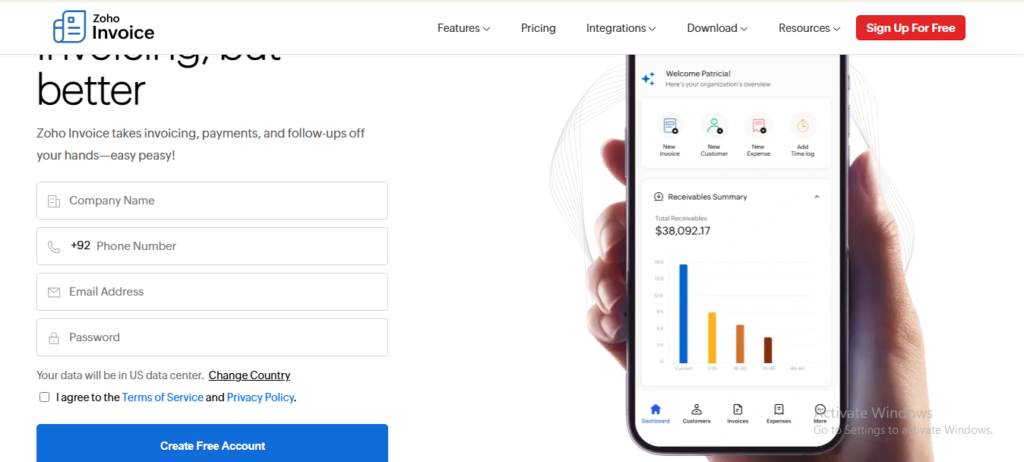
Zoho Invoice went completely free in 2021 and hasn’t looked back. The feature set is legitimately generous: recurring invoices, expense tracking, time logging, client portal, and multi-currency support — all at zero cost. If you’re comparing Zoho Invoice vs Wave for Mac, Zoho edges ahead on the invoicing-specific features.
My issue? Zoho wants you in its ecosystem. The app constantly nudges you toward Zoho Books, Zoho CRM, Zoho Projects. There’s nothing wrong with that — if you want a full business suite. But every time a banner popped up suggesting I “try Zoho Books free,” it pulled me out of the flow. Minor gripe, maybe. But you notice it.
App 4 & 5: Hiveage and FreshBooks (free trial) — not what the label says


I’m grouping these because they taught me the same lesson. Hiveage looked promising as a free Mac invoicing app for solo founders — clean design, good UX, simple pricing estimates. But the free tier is so stripped back it’s essentially a demo. FreshBooks doesn’t even pretend to have a permanent free plan anymore; it’s a trial that expires. Both felt like tests of how long I could go before pulling out my credit card.
Hard pass on both for anyone serious about keeping costs at zero.
App 6: The one that actually nailed it
Here’s where the story gets good.
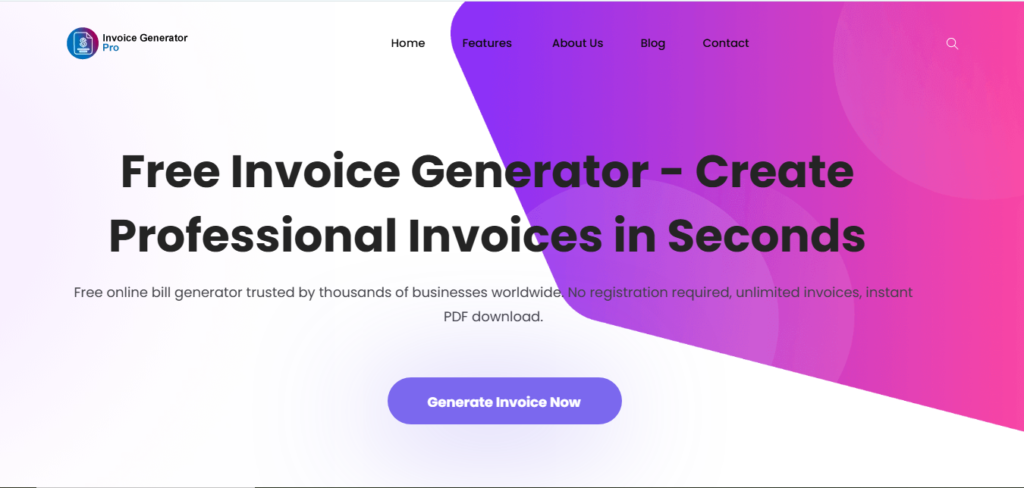
Toward the end of my testing, a designer friend mentioned Invoice Generator Pro (invoicegeneratorpro.io). I’ll admit, I almost dismissed it. The name sounds generic, like something you’d stumble across on page four of Google. I was wrong to hesitate.
Within five minutes of opening it on my MacBook, I’d created and sent a fully professional invoice. No account setup maze. No “choose your plan” wall before I could export a PDF. The interface is clean, fast, and — this matters more than people admit — actually pleasant to use. It felt like someone had thought carefully about the exact moment a freelancer needs to send an invoice: slightly stressed, probably mid-project, wanting it done in under three minutes.
The custom invoice templates are sharp and professional, not the clip-art-era designs some tools still ship with. There’s a PDF export built right in, client management that doesn’t require a database degree, and the whole thing runs beautifully in macOS without any of that clunky “designed for Windows first” energy.
You know what genuinely surprised me? The payment tracking is intuitive. Sent, viewed, paid, overdue — all at a glance. As someone who used to chase payments via a WhatsApp message and a prayer, seeing “overdue” flagged automatically felt almost emotional. Almost.
If you invoice even once a month and you’re on a Mac, spend five minutes at invoicegeneratorpro.io before you touch anything else. Seriously — five minutes.
So what separates a good free invoice app from a frustrating one?
After two weeks of testing, the pattern became clear. The tools that failed shared the same flaws: they either buried key features behind paywalls, cluttered the interface with features a freelancer doesn’t need, or made the process of creating a simple professional invoice on Mac feel like filing a tax return.
The tools that worked, and Invoice Generator Pro sits comfortably at the top of that list — understood something fundamental: the invoice is not the product. The invoice is the last step before you get paid. Every second of friction in that process is a second you’re not working, not resting, not doing the thing you actually love. The best free invoicing tool for macOS is the one you forget you’re using because it just works.
That’s not a small thing. That’s everything.
What about offline use? Does it work without Wi-Fi?
Quick tangent, because I get asked this a lot: can you use offline invoice software on a Mac if you’re working from a café with dodgy internet?
Most of the tools above are cloud-based, so they need a connection. Invoice Generator Pro is browser-based, but fast enough that even on a slow connection, it never stalled on me. For truly offline use, dedicated Mac desktop apps exist — but most charge for them. Honestly, for 95% of freelancers, a fast, reliable web-based tool beats the maintenance headache of desktop software.
The bottom line (and a gentle nudge)
Here’s my honest ranking after testing all six:
- Invoice Generator Pro — best overall free invoice software for Mac. Fast, clean, no subscription traps. Try it here →
- Zoho Invoice — best for freelancers who want more features and don’t mind the ecosystem push
- Invoice Ninja — best open-source option, solid for contractors with up to 20 clients
- Wave — best for small businesses needing accounting + invoicing together
- Hiveage — limited free tier, not recommended for serious use
- FreshBooks free trial — not really free, move along
If you’re a freelancer on Mac, a self-employed consultant, or a small business owner who’s been putting off getting a proper invoicing system, today’s the day. Not because I said so, but because every invoice you send from a patched-together Google Doc is a small signal to your client about how you run your business.
You work hard. Your invoices should look like it.
Have a free Mac invoicing tool I missed? Drop it in the comments — I’m always testing.

Akbar Ali is the Founder of InvoiceGeneratorPro.io, a platform dedicated to helping freelancers, small businesses, startups, agencies, and entrepreneurs create professional invoices quickly and efficiently. With years of experience in digital business, SEO content strategy, and online entrepreneurship, he focuses on developing practical tools and educational resources that simplify invoicing, payment management, and financial documentation.As a business writer and digital entrepreneur, Akbar creates in-depth guides, industry insights, and actionable content covering invoicing, freelancing, accounting basics, business finance, taxation, productivity, and payment solutions. His goal is to make complex financial processes easy to understand while helping professionals save time and present their businesses more professionally.Through InvoiceGeneratorPro.io, he continues to build reliable, user-friendly solutions that empower businesses worldwide to streamline their billing workflows and improve financial organization.
Akbar Ali